
VIDEO TOOL
Turn product photos into short videos
Motion for product pages, ads, and social—start from stills and a product title you stand behind.
At a glance: Upload one to six product photos, enter a title (max 60 characters), choose duration 5–15 seconds and 720p or 1080p, confirm quoted credits, download async MP4 with sound from History.
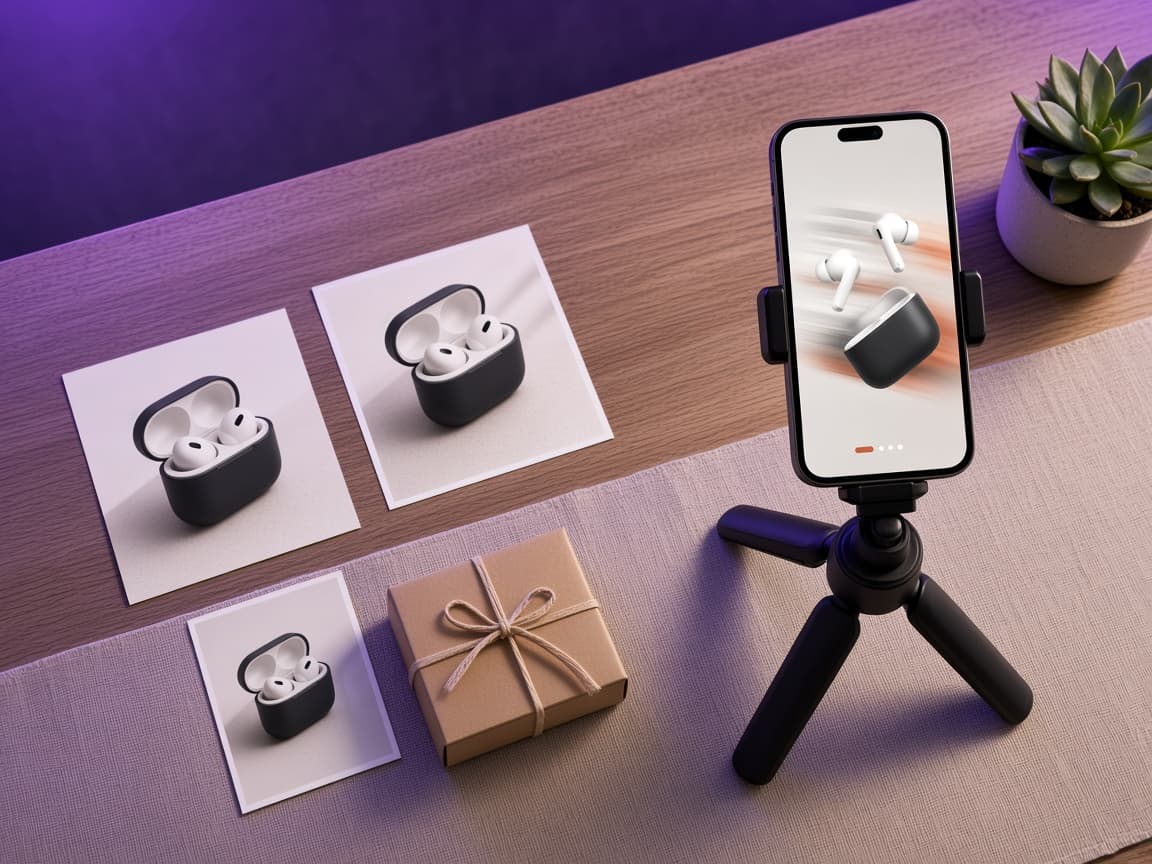
What product video does
Generates a 5–15 second MP4 with audio from stills and a title—not a script-driven commercial.
Async vertical MP4 with audio. Credits scale with duration: 28/s at 720p and 45/s at 1080p (minimum 5 seconds).
Workflow
Upload 1–6 images, set title and duration, pick 720p or 1080p, confirm quote, download from History.
- Upload one to six licensed product photos.
- Enter product title (required, up to 60 characters).
- Choose duration 5–15 seconds and 720p or 1080p—the workspace shows total credits before you confirm.
- Confirm quote, wait for async completion, download MP4 with sound.
Check each channel’s current video specs before you publish.
What it is not
Not remix (needs reference video), not translation, not an ad performance guarantee.
You must have rights to photos and claims implied by the title.
AI models and access
Representative models and Guijike access (see Terms).
This tool uses licensed commercial AI models through Guijike infrastructure—not direct vendor accounts. Credits and limits are described here and on /pricing; confirm the in-app quote before each run. See Terms and Acceptable Use for prohibited uses.
Inputs & outputs
What you provide
- Licensed product photos (1–6)
- Title (1–60 chars)
- Duration 5–15 s
- 720p or 1080p
What you get
- MP4 with sound
- Async status in History
- 28 credits/s (720p) or 45 credits/s (1080p)—confirm total in app
Common use cases
- Vertical storefront video
- Cross-border ad creatives
- Short demos from packshots
FAQ
Do I need a script?
No—title and photos drive generation.
Can I use one photo?
Yes—one to six photos are supported.